Android · iOS · Myanmar

Royal slots App — A mobile casino app for Myanmar players with smooth gameplay on Android and iOS

The royal slots mobile App is specially designed for players in Yangon, Mandalay, and Naypyidaw to play on their phones. Playing through the App means faster loading and instant Bonus Notifications, so you never miss an opportunity.

Android 6.0 or higher iOS 13+ SSL Secure Myanmar Unicode

royal slots

What is the royal slots App?

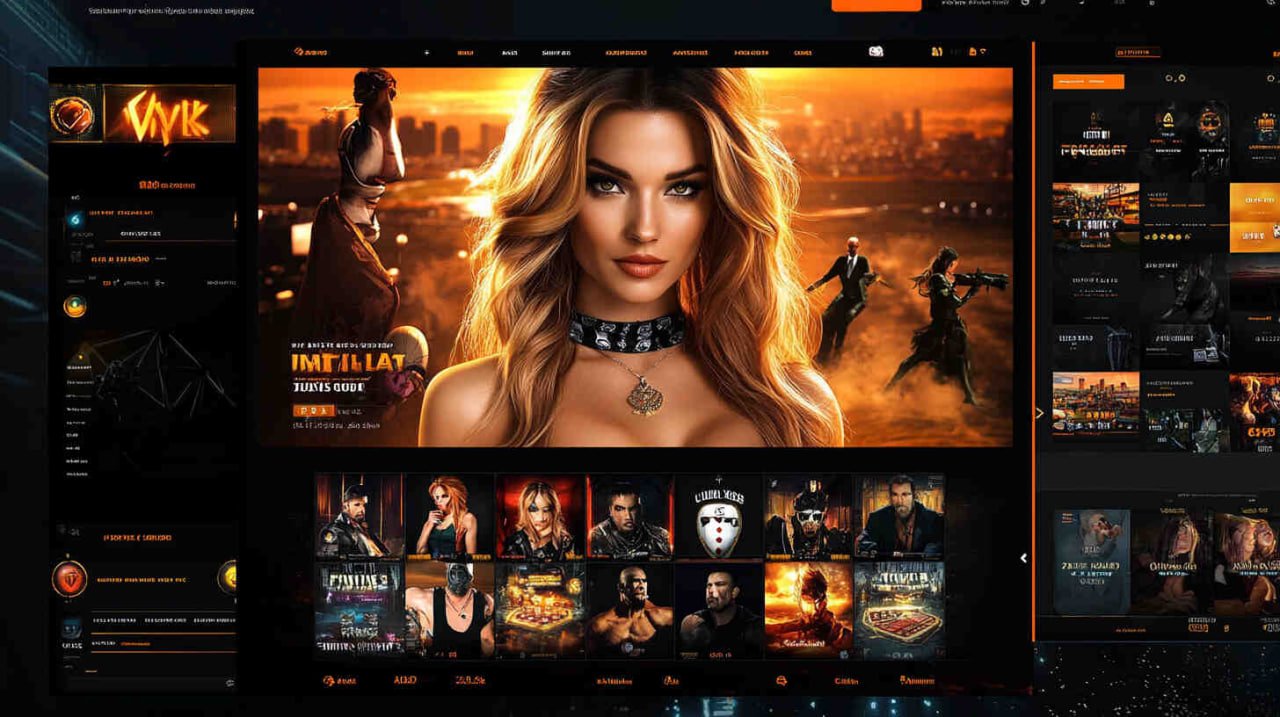
The royal slots App is a mobile gaming application built for players in Myanmar to enjoy Slots, Live Casino, Crash Games, and Sports Betting all in one place. While all games and bonuses are identical whether you play on the website or the App, you will notice that the App delivers smoother performance with less lag and better battery efficiency thanks to its native build.

The app interface is displayed in Myanmar Unicode, so everything is readable in Burmese. You can deposit and withdraw in MMK using KBZPay, Wave Money, AYA Pay, or CB Pay — no currency conversion to USD required. Players appreciate being able to play directly in MMK.

Players who previously wanted to play at an online casino but found it inconvenient because they could only access the site from a desktop computer now say the App has expanded their freedom — they can play on a bus or stop anywhere they like.

Slots 500+ Live Casino Crash Games Sports
royal slots

Key features included in the royal slots App

The features that set the app apart from the browser version are listed here. These are the main reasons players choose to download the app.

Push Notification

Daily Free Spin bonuses, flash deposit bonuses, and tournament announcements are delivered directly via app notifications. You can see them instantly on your phone's lock screen without having to check the website, so you never miss a limited-time offer.

Fast loading

Because game assets are cached locally in the app, switching from one game to another takes only 2–3 seconds. In areas with a poor 3G connection, the difference between the browser and the app is clearly noticeable.

Biometric Login

The Android app supports fingerprint login, and Face Unlock is also available if your phone supports it. This eliminates the need to type your password every time, letting you access your account in under a second.

Quick Deposit / Withdraw

KBZPay, Wave Money, AYA Pay, and CB Pay can all be linked and used for deposits directly within the app. When depositing via KBZPay, the updated balance will appear in your account within 5 minutes, and withdrawals can be requested 24 hours a day, not just during business hours.

Dark Mode

For players who game at night, the App includes Dark Mode to reduce eye strain. If Dark Mode is enabled in your phone's Settings, the royal slots App will switch to Dark Mode automatically. This lets you manage both screen brightness and battery life at the same time.

Live Chat Support

A single tap on the Live Chat button inside the app connects you with customer support immediately. Players report that responses come back in an average of 2–5 minutes, and support is available in Burmese.

How to install the Royal Slots app on an Android phone

The royal slots APK can be installed on Android 6.0 and above, including Samsung, Oppo, Vivo, Xiaomi, Realme, and Tecno devices. This is a direct APK installation rather than a Google Play Store download — follow the steps below.

1
Enable Unknown Sources

Go to Settings → Security → "Install unknown apps" and allow your Browser or File Manager to install apps. On Xiaomi/MIUI devices, look under Settings → Additional Settings → Privacy → Unknown Sources. On Samsung One UI, go to Settings → Apps → Special Access → Install Unknown Apps.

2
Download the APK file

Tap the Download button on the royal slots website. The APK file is approximately 45 MB and will finish downloading within 1–2 minutes on a 4G connection. You can monitor the download progress in your Notification Bar.

3
Open from File Manager and install

Tap the notification — or open File Manager, navigate to the Downloads folder, locate the APK file, and tap it. An install confirmation dialog will appear; tap "Install." The installation completes within 20–30 seconds.

4
Log in and play

After installation, tap the Royal Slots icon on your Home Screen. Existing users can log in with their username and password and start playing immediately. New users can register, open an account, and claim their Welcome Bonus.

If Google Play Protect shows a warning

It is normal for Play Protect to flag any third-party APK as an "Unknown app." Select "Install anyway" — the royal slots APK contains no malware and is distributed exclusively over HTTPS, so it is safe to install.

royal slots
Android System Requirements
OS Version
Android 6.0 or higher
RAM
Minimum 2 GB RAM
Storage
100 MB free storage required
APK Size
~45 MB
Internet
3G / 4G / WiFi
Minimum Speed
2 Mbps or faster
royal slots

How to add royal slots to your Home Screen on iPhone

Because Apple iOS does not allow third-party APK installation, Royal Slots uses Progressive Web App (PWA) technology for iOS players. No App Store approval is needed — you simply add it to your Home Screen via Safari and play in full-screen mode, delivering an experience comparable to the Android app.

1
Open Safari and go to royalslots.vu

Open Safari on your iPhone (the light blue compass icon) and type royalslots.vu in the address bar. Note that Chrome on iOS does not support PWA Add to Home Screen, so you must use Safari.

2
Tap the Share icon

Tap the Share icon (a box with an upward arrow) located below the Safari address bar. An iOS menu will appear — scroll down and look for "Add to Home Screen".

3
Select "Add to Home Screen," then tap Add

Tap "Add to Home Screen." A screen showing the App icon and name will appear — tap "Add" to confirm. You can keep the icon name as "Royal Slots" or change it to whatever you prefer.

4
Open from your Home Screen and play

Once the Royal Slots icon appears on your Home Screen, tap it — it will open in full-screen mode without the Safari address bar, giving you a native app-like experience. Log in and start playing your games right away.

Android App · iOS PWA · PC Browser — which option suits you best?

Compare the three platforms side by side to understand their differences clearly and choose the option that best suits you.

Feature Android APK iOS PWA PC Browser
Installation required APK installation required Home Screen shortcut only — no installation required ✗ Not required
Loading Speed Fastest Fast Fast
Push Notification ✓ Available Available from iOS 16.4 and above ✗ Not Available
Biometric Login ✓ Fingerprint Face ID supported ✗ Not Available
Offline Cache ✓ Available ✓ Available ✗ Not Available
Dark Mode ✓ Auto ✓ Auto Depends on browser settings
KBZPay Deposit ✓ Available ✓ Available ✓ Available
Auto Update Update via notification Auto (Seamless) Auto (Refresh)
Largest screen Good Good Best

What players who have tried the royal slots App are saying

★★★★★

Downloading and installing the APK takes under 5 minutes. Logging in with your fingerprint is fast, and bonus notifications mean you never miss a flash offer. I love how depositing via KBZPay updates my account balance within 5 minutes.

Kyaw Zin Thant
Yangon
★★★★★

I was worried at first because I use an iPhone and couldn't install the APK. Once I found out about Add to Home Screen in Safari, I've been playing through the App for over two months. Without the browser bar it feels more like a proper game in full-screen mode.

Ma Ei Phyu
Mandalay
★★★★☆

Playing in the browser lags in areas with a poor connection, but I can personally confirm that the app reduces that issue noticeably. Reaching customer support via in-app chat is also much more convenient.

Aung Myo Thura
Naypyidaw

Frequently asked questions about the royal slots App

Because Google Play Store policy does not permit online casino apps, the Royal Slots APK is not available on the Play Store. You must download the APK exclusively from the official website at royalslots.vu. APK files obtained from third-party sites are not the official version and should not be used. The official APK is distributed over HTTPS and verified with SHA-256, ensuring it is safe to install.

Players who have Push Notifications enabled will be instantly notified when an App update is available. If notifications are turned off, an Update Banner will appear when you open the App — simply tap the "Update" button to download the latest APK. Your account data will not be lost during an update, and you can continue to log in as usual.

You can log in on multiple devices using a single account. You can be signed in simultaneously on the Android app, iOS PWA, and PC browser, with your balance and game history syncing in real time. However, please avoid playing the same game session on two devices at once, as this may violate the account policy.

Either order works. You can create an account on the website first and then download the App to log in, or download the App first and register directly within it to claim your Welcome Bonus. Because the website and App connect to the same server, your account information is consistent whichever platform you use.

Welcome Bonuses, Deposit Bonuses, and Cashback are the same regardless of platform. App players have an advantage in that Push Notifications allow them to learn about Flash Bonuses and limited-time tournaments faster, letting them take better advantage of those offers. Players also mention that App-exclusive promos are released from time to time, which is another reason to have the App downloaded.

While it is technically possible to install the APK on a rooted Android device, royal slots may restrict the App from running on rooted devices due to security risks. We recommend installing and playing on a standard, non-rooted Android device. This also helps protect the security of your account.
Get started now

Download the royal slots App and claim your Welcome Bonus

Opening an account takes just 2 minutes. Make your first deposit via KBZPay, Wave Money, AYA Pay, or CB Pay and receive your Welcome Bonus instantly. You can then play 500+ slots, Live Casino, and Crash Games from anywhere in Myanmar, 24 hours a day.

24/7
Customer Support
SSL
Encrypted
MMK
Myanmar Kyat
4
Payment Methods
မြန်မာ